
To assign or re-assign an incident.
POST
https://Logpoint-IP/assign_incident
Parameter |
Value Type |
Description |
|---|---|---|
username |
String |
A Logpoint username |
secret_key |
String |
Secret key of Logpoint. Refer to Finding the Access Key. |
requestData |
JSON Object |
A JSON objects containing the following parameters: incident_ids: A list of values of the field ‘id’ of one or more incident(s). new_assignee: Object id of the user to assign the incident. |
The parameters should be included in the request body as raw text.
{
        "username": "John",
        "secret_key": "a1b2c3d4e5f6g7h8i9j0k1",
        "requestData": {
                "version": "0.1",
                "incident_ids": [
                        "5a62bd8cce983de89085429c",
                        "5a62bd8cce983de89085429b",
                        "5a62bd8cce983de89085429e"
                ],
                "new_assignee": "59b0eecfd8aaa4334ee41707"
                }
        }
Note
Content-Type, Content-Length, and Host must be passed in the request header. Content-Type should be application/json.
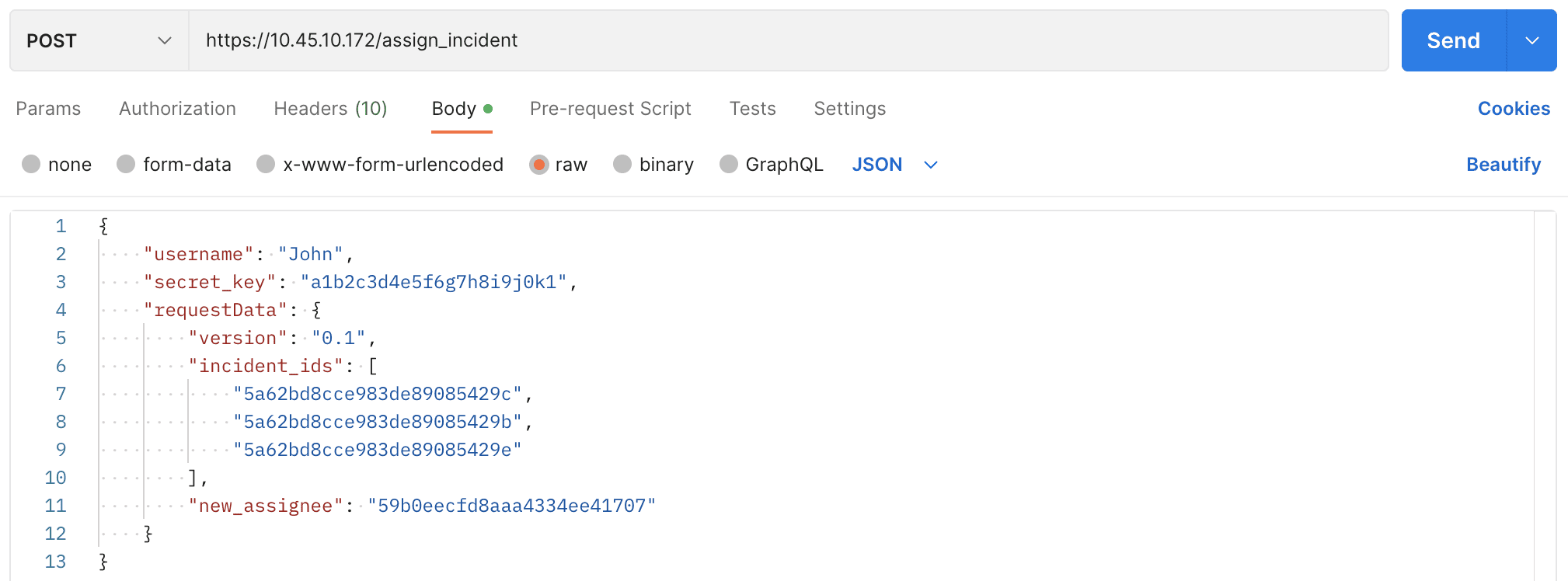
Assigning Incident using Postman.
curl --location 'https://10.45.10.172/assign_incident' \
--header 'Content-Type: application/json' \
--data '{
        "username": "John",
        "secret_key": "a1b2c3d4e5f6g7h8i9j0k1",
        "requestData": {
                "version": "0.1",
                "incident_ids": [
                        "5a62bd8cce983de89085429c",
                        "5a62bd8cce983de89085429b",
                        "5a62bd8cce983de89085429e"
                ],
                "new_assignee": "59b0eecfd8aaa4334ee41707"
                }
        }'
    {
            "success": true,
"message": "Incidents re-assigned"
    }